


Google Workspace is the tool we recommend most to companies that need business email. But it’s much more than email: it brings together Gmail with your domain, calendar, cloud storage, documents, video calls and a console to manage everything.
In this guide we explain what it is, which tools it includes, its advantages and drawbacks, how it compares with Microsoft 365 and Zoho, and how to move your company to Google Workspace step by step.
In 30 seconds
- Google Workspace is Google’s suite for businesses: it used to be called Google Apps and then G Suite.
- It includes Gmail with your domain, Calendar, Drive, Docs, Sheets, Meet, Chat, Keep and an admin console.
- Its strengths: availability, security, collaboration and an affordable per-user price.
- Migrating is simple: free trial, domain verification, MX records and moving your emails.
What is Google Workspace?
Google Workspace is Google’s suite of business apps. It started as Google Apps, was renamed G Suite in 2016 and in October 2020 changed to its current name. To learn about that last change, read G Suite is now Google Workspace.
Most companies come to Google Workspace because they need email with their domain, but they stay for everything else. You probably already use, or know, several of its tools.
Tools used every day
Google Workspace has several plans (Business Starter, Business Standard, Business Plus and Enterprise). For many small companies, the entry plan is enough. This is what it includes:
Gmail

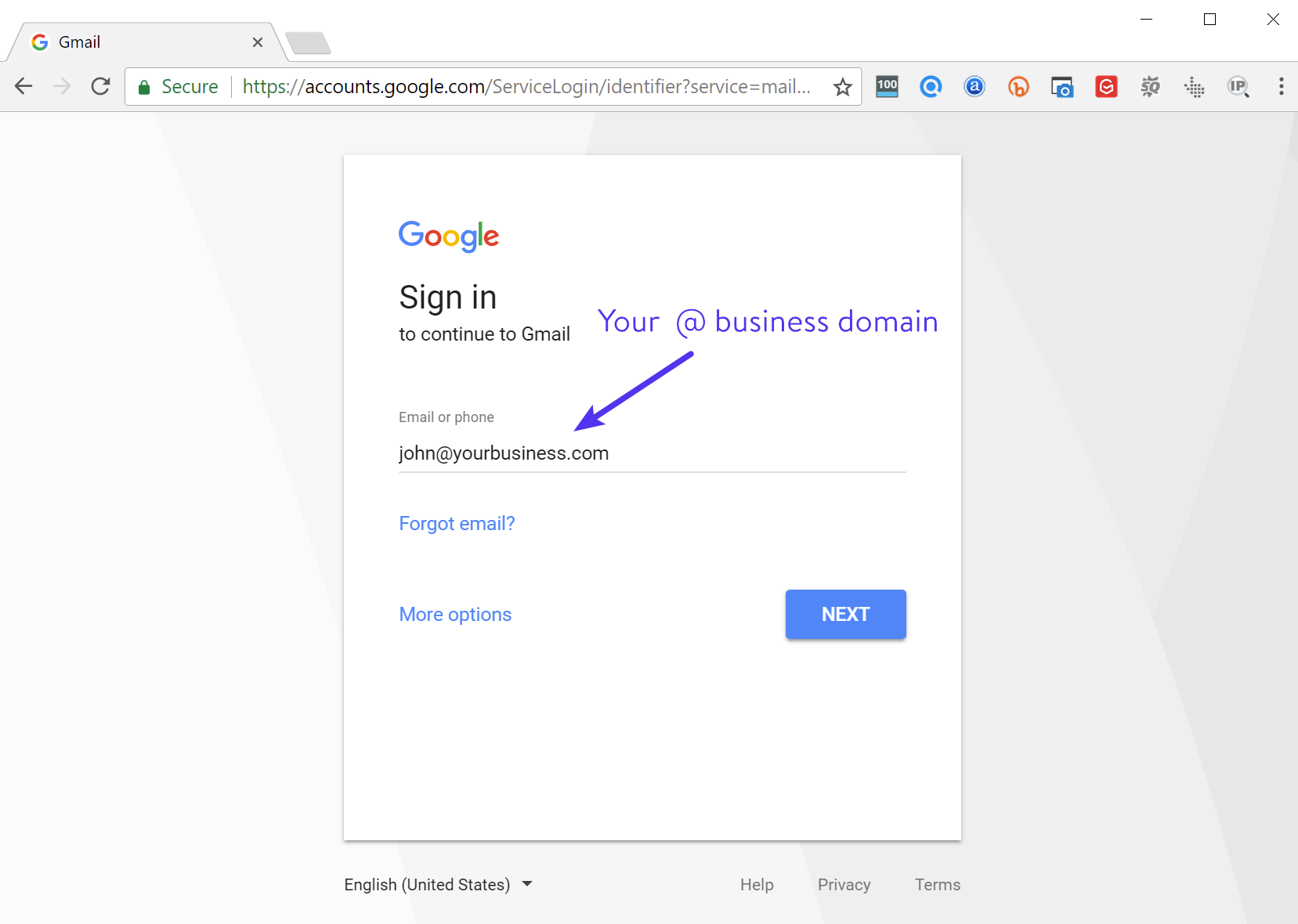
Gmail has been around since 2004 and is one of the most used email services in the world. With Google Workspace you get an ad-free business version of the email you probably already use.
The big difference is that each person on your team gets their own account with an address on your company’s domain (for example, name@yourcompany.com). A one- or two-person company can get by with free accounts and forwarding, but as the team grows you need accounts that can be managed separately.
Google Calendar

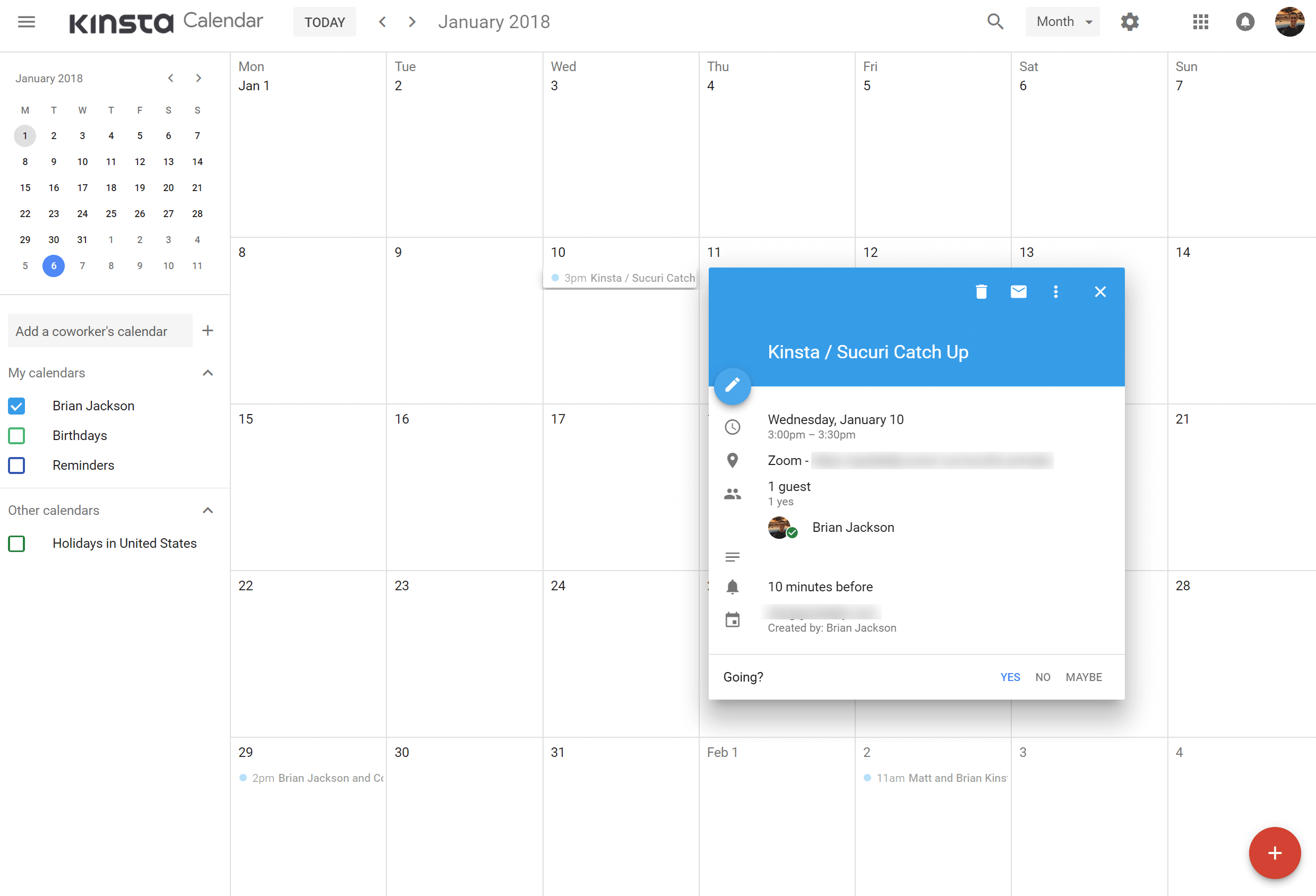
Google Calendar is for scheduling client meetings, setting deadlines and keeping track of important projects. You can share calendars with your team, see others’ availability and set up meetings with a video call link in one click.
Google Drive

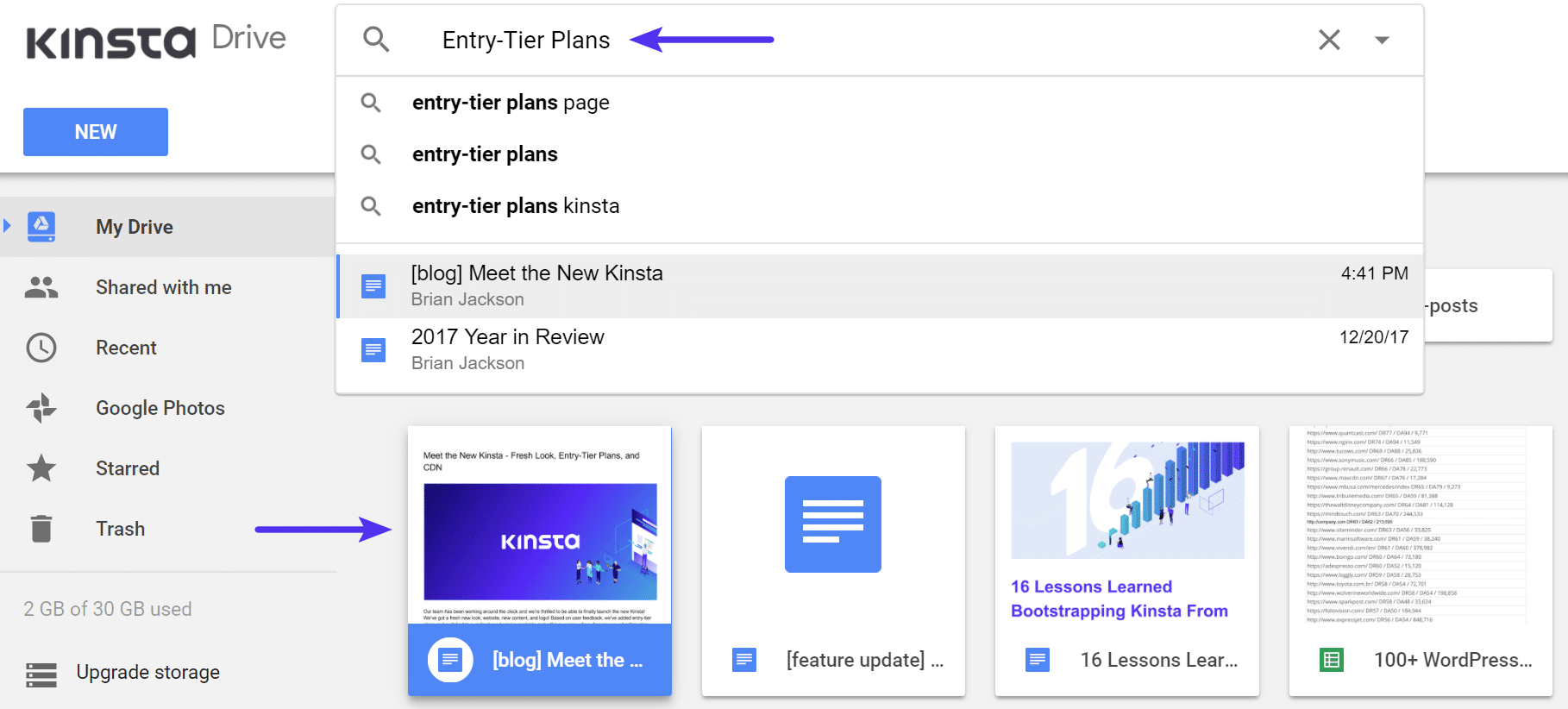
Drive is Google’s cloud storage. In Google Workspace the space is pooled across the organization and, with shared drives, files belong to the company rather than to one person: if someone leaves, the information stays.
Its search is another advantage: it finds files by name, content or type in seconds.
Google Docs and Google Sheets

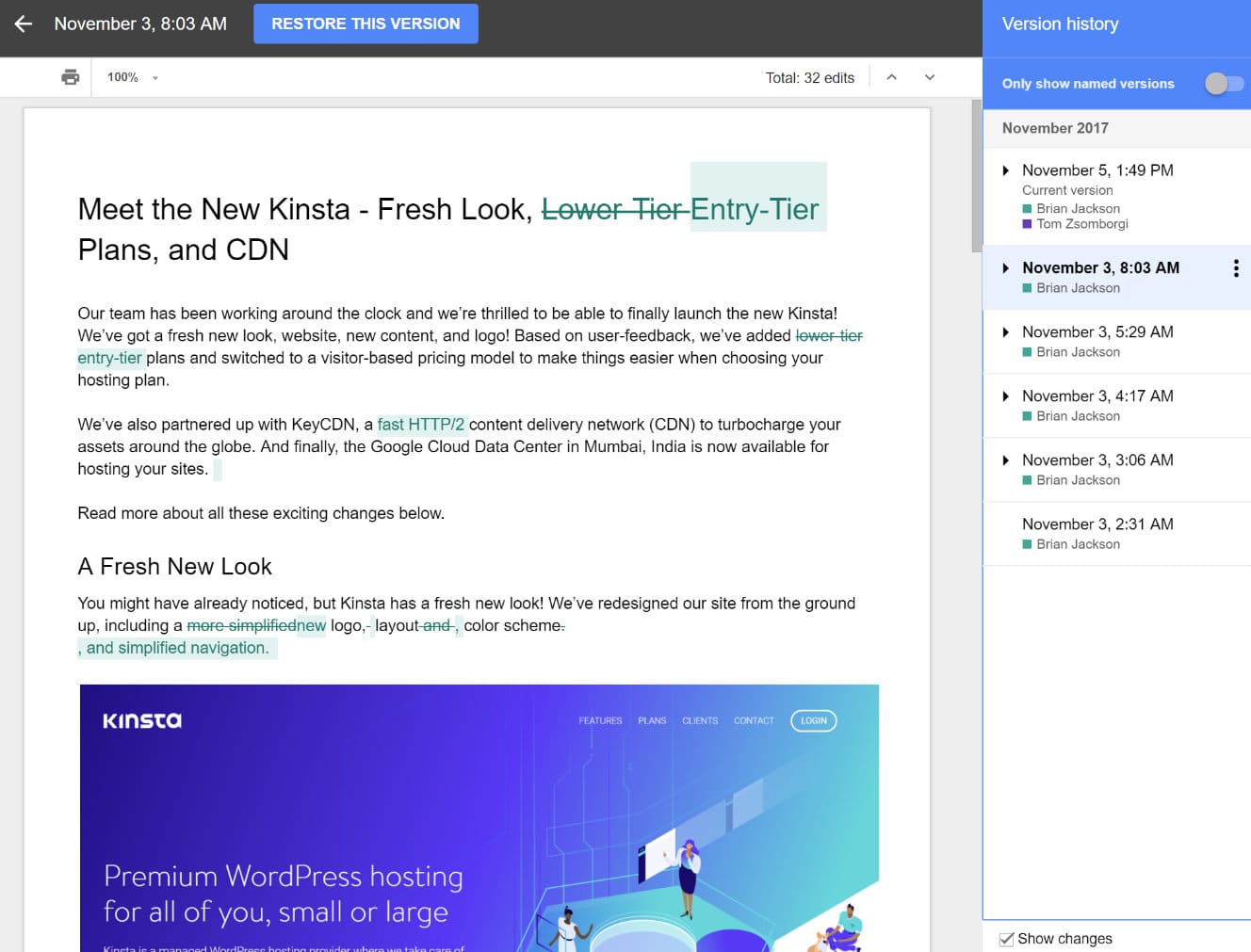
Docs and Sheets are Google’s word processor and spreadsheets. Several people can edit the same file at the same time, leave comments and see changes in real time, without emailing versions around.
They also keep a version history: you can see who changed what and go back to an earlier version whenever you need to.
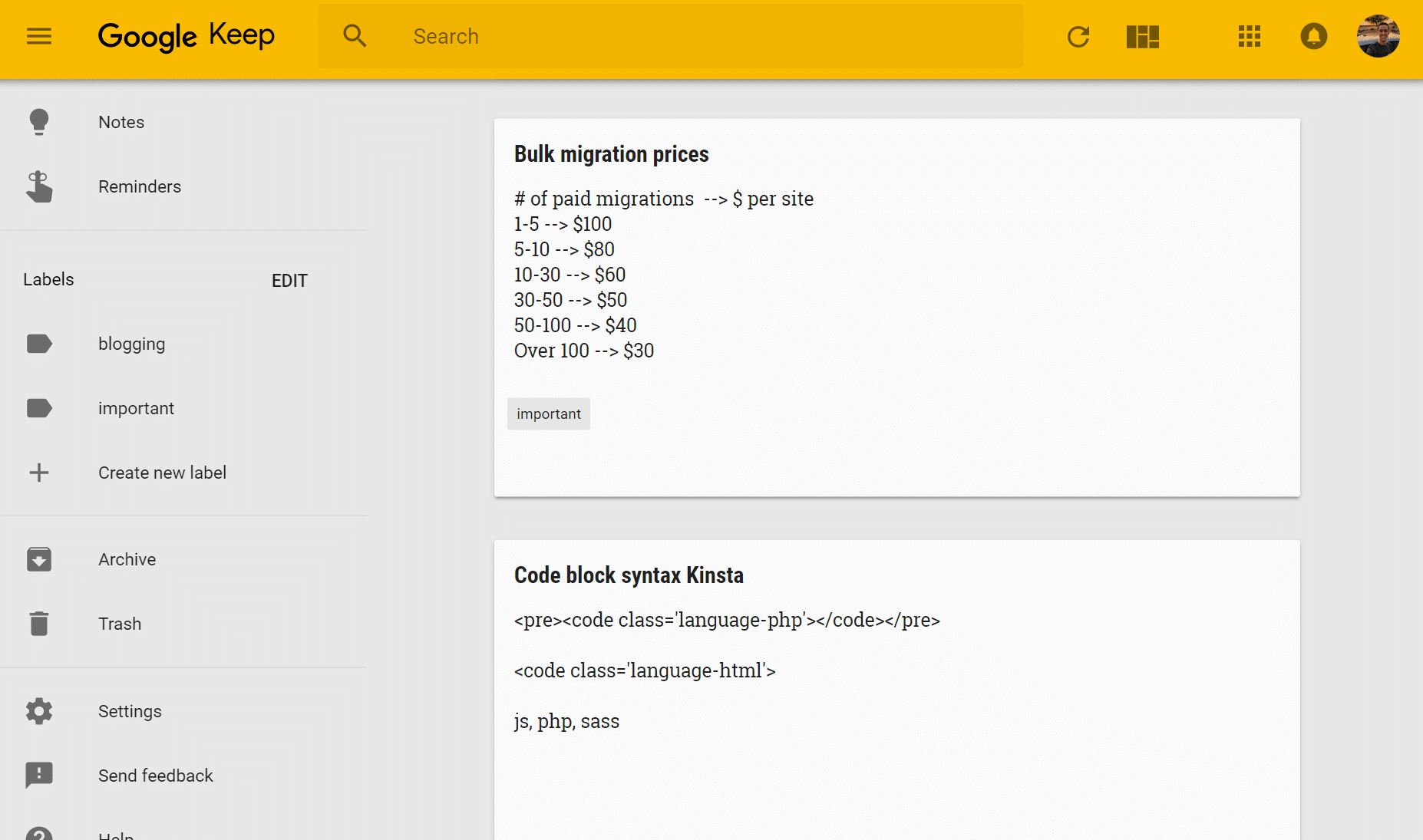
Google Keep

Keep is Google’s notes app: lists, reminders, voice notes and photos, synced between computer and phone, and easy to share with your team.
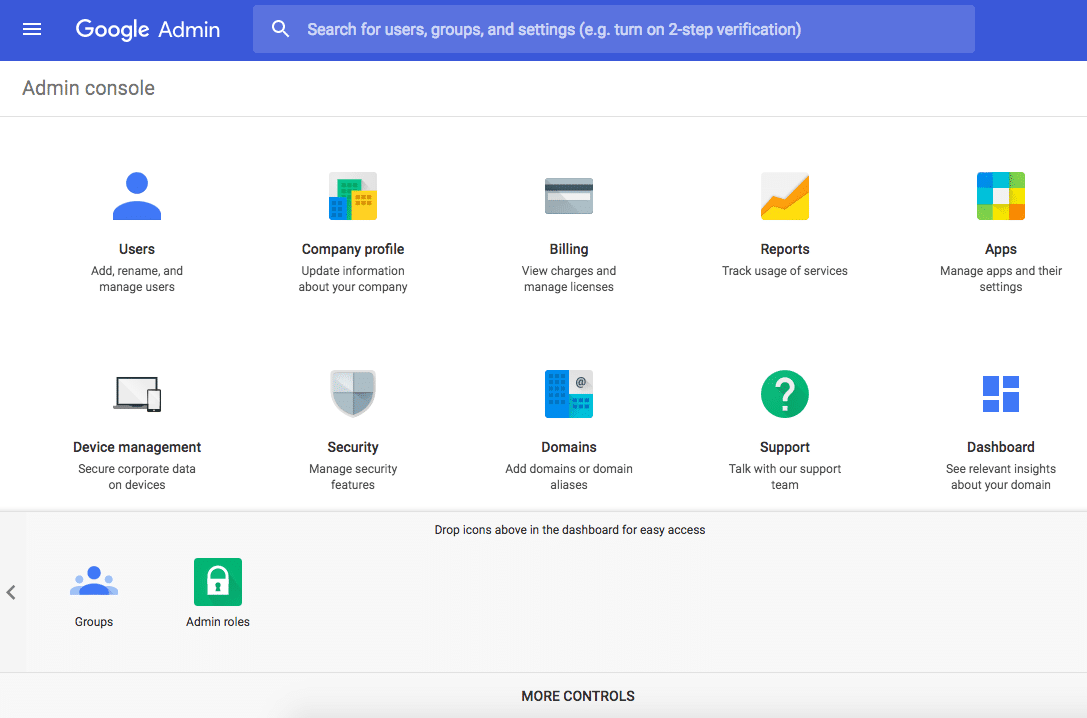
Google Workspace admin console

In the admin console you set up and suspend accounts, reset passwords, define security rules and control which services each person uses. It’s the tool that gives your company control over its accounts.
Additional features
Besides the above, Google Workspace includes tools such as Google Chat (team messaging, formerly Hangouts Chat), Google Meet (video calls, formerly Hangouts Meet), Google Sites for internal sites and Google Forms for surveys and forms.
Features of the higher plans
Higher plans add features for companies that rely heavily on email and data: more storage, meeting recording, advanced security controls and tools to retain and search information for legal or audit purposes.
Main benefits of Google Workspace
Your email doesn’t depend on your web server
When email lives on the same server as your website, both share resources and IP addresses. If something fails on the server, or another account on that server hurts the reputation of those IPs, your email can be affected too. With Google Workspace, email runs on Google’s infrastructure, separate from your site.
That doesn’t mean hosting email is no good: for many companies it’s enough and more affordable, especially with a provider that looks after its servers. The decision depends on how much your operation relies on email and how much your team collaborates.
Warning: transactional and marketing emails
Google Workspace isn’t designed for bulk email or for your site’s automatic emails (order confirmations, password resets, newsletters). For those, use a specialized sending platform and keep Gmail for day-to-day communication. We explain it in three reasons not to send bulk email with Gmail.
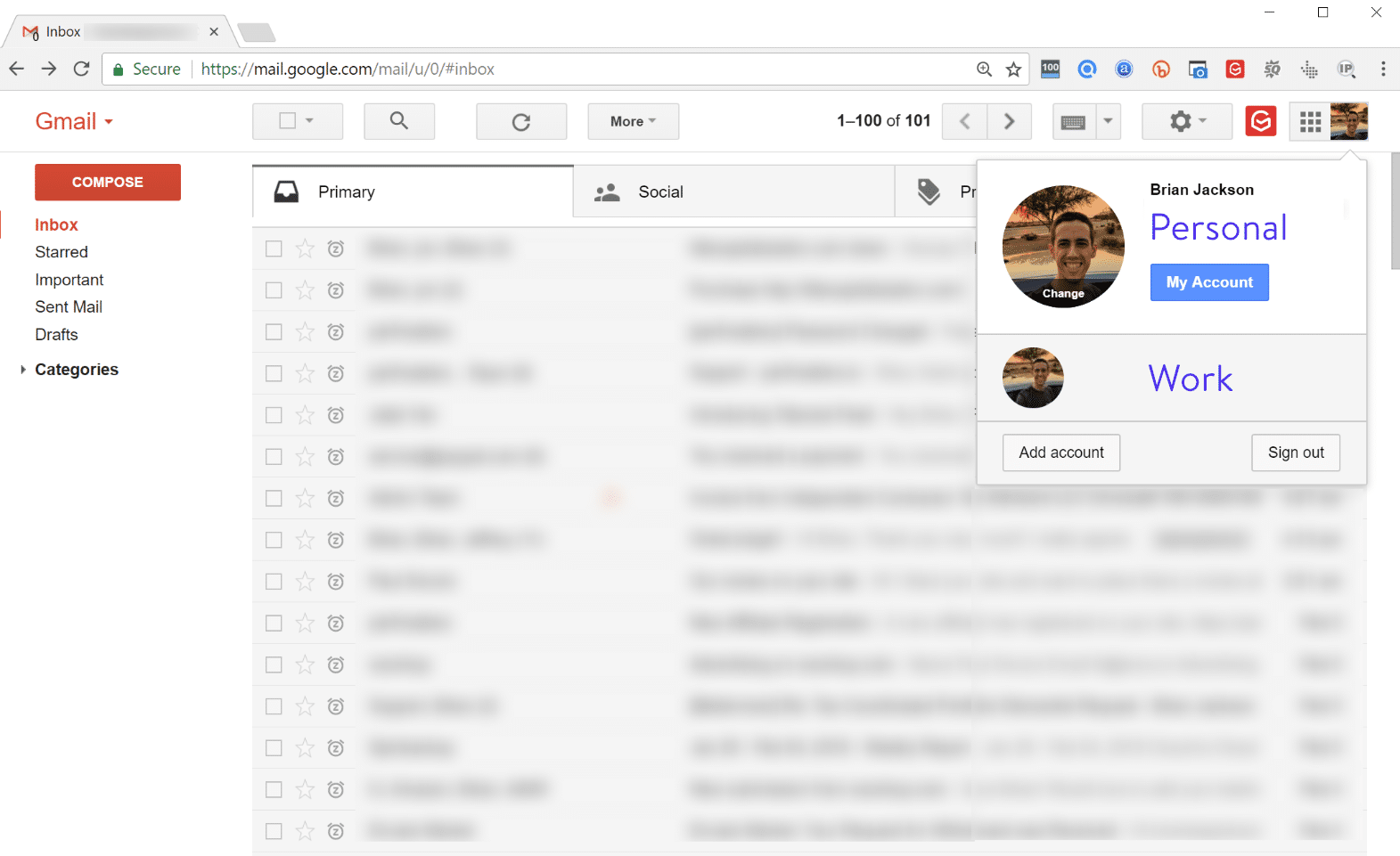
Another practical advantage: you can keep several accounts open in the same browser and switch between them in one click.
Availability
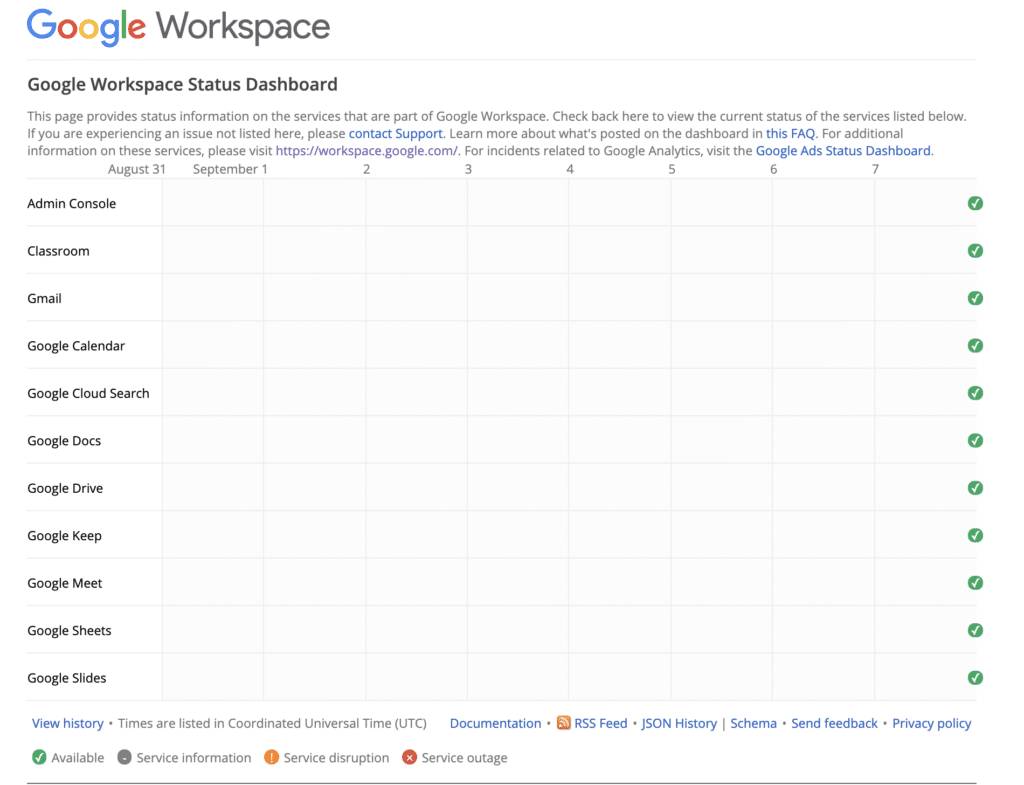
Google publishes the status of all its services on the Google Workspace status dashboard, so you can always know if there’s an outage. Its service level agreement also commits to at least 99.9% monthly uptime for the covered services.
Not the cheapest, but very affordable
There are cheaper email options, but Google Workspace is paid per user per month, with no upfront investment in servers or licenses, and it includes much more than email. Prices vary by country and billing option: check them on the Google Workspace pricing page.
Top security
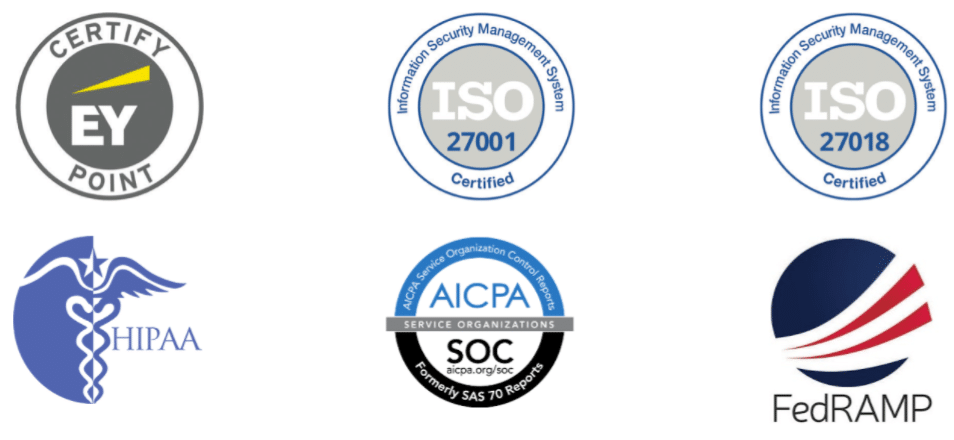
Google Workspace includes two-step verification, protection against spam and impersonation, security rules in the console and the option to lock or wipe a lost phone’s data. For a small company, it’s a level of security that’s hard to match with your own server.
Google Workspace vs Microsoft 365 vs Zoho

These are the three most common options for business email. Office 365 is now called Microsoft 365.
| Google Workspace | Microsoft 365 | Zoho Workplace | |
|---|---|---|---|
| Gmail | Outlook / Exchange | Zoho Mail | |
| Documents | Docs, Sheets, Slides (in the browser) | Word, Excel, PowerPoint (desktop and web, depending on the plan) | Writer, Sheet, Show |
| Video calls | Meet | Teams | Zoho Meeting |
| Ideal if… | Your team collaborates online and wants everything in the browser. | Your team relies on desktop Excel and Word. | You want the most affordable option. |
For a more detailed email comparison, read the best email providers.
Drawbacks of Google Workspace
- It’s paid per user: if your team is large, the monthly cost grows with every account.
- Learning curve for people coming off desktop Word, Excel and Outlook.
- Internet dependence: although there’s an offline mode, it works best when always connected.
- Not for bulk email: for newsletters and automatic emails you need another platform.
How to move your company to Google Workspace
- Start the free trial: sign up for Google Workspace with your company’s domain.
- Set up the console: add your team’s accounts in the admin console.
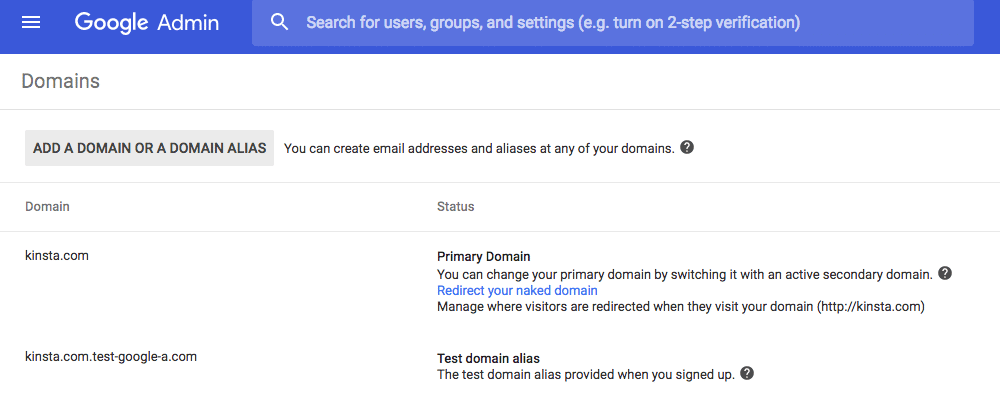
- Verify your domain and add aliases: prove the domain is yours (usually with a TXT record) and, if you have other domains, add them as aliases.
- Change the MX records: point your domain’s email to Google’s servers to start receiving messages in Gmail.
- Migrate your emails: bring messages over from your previous provider with Google’s migration tool.

Before changing the MX records: back up your emails and schedule the change at a quiet time. A mistake in the DNS records can leave you without incoming email for a few hours.
Useful Google Workspace tips
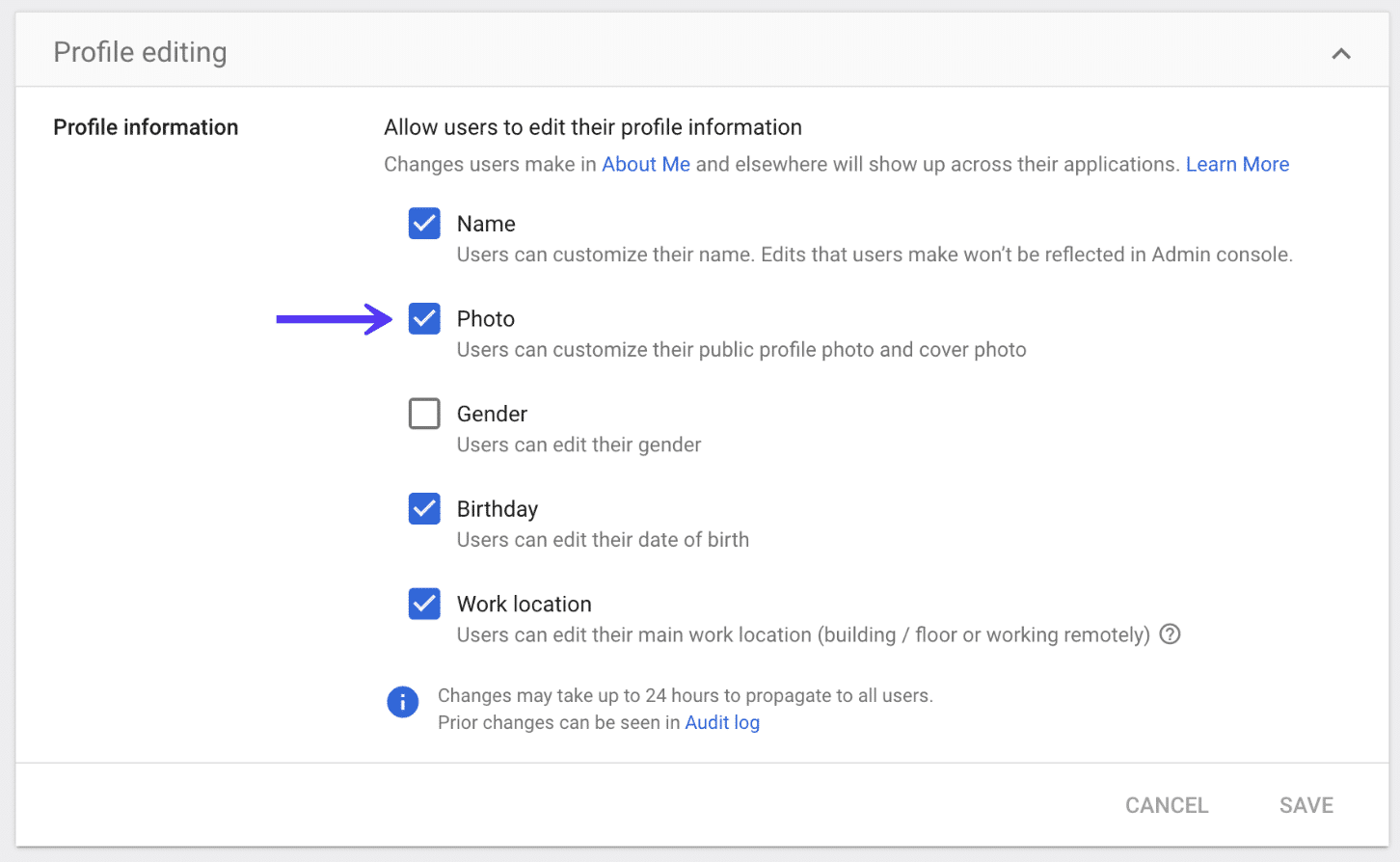
A common problem: a user tries to change their profile photo and it isn’t saved. It usually happens because the administrator hasn’t allowed users to edit their profile.

The fix is in the admin console, in the directory settings: turn on the permission for users to edit their profile information.
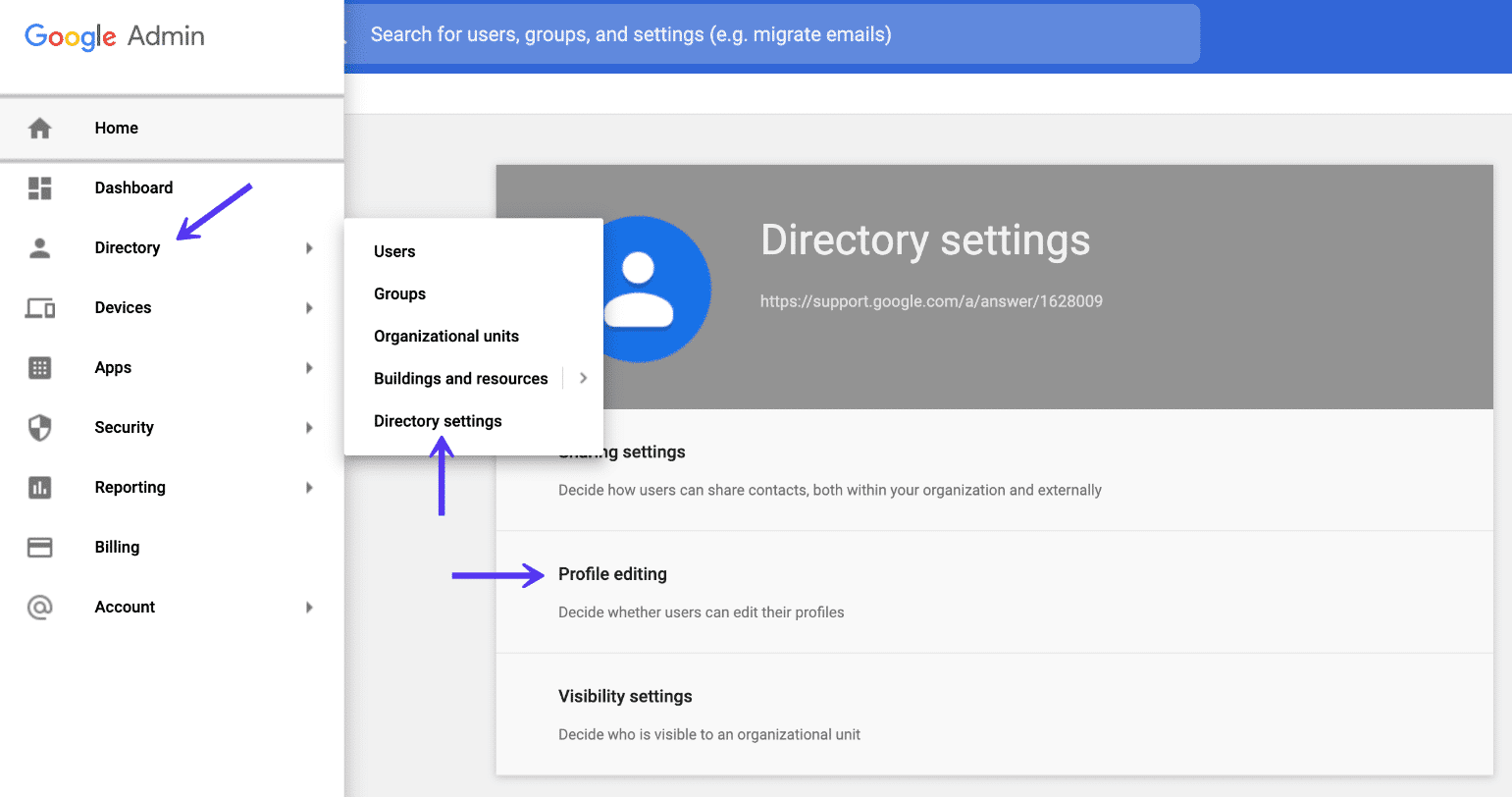
After turning it on, the user can upload their photo without any problem.
Summary
Google Workspace is one of the best email and collaboration solutions for companies: professional email with your domain, teamwork tools, strong availability and security, at an affordable per-user price.
At Damos we help you set it up end to end, from domain verification to migrating your emails, through our Google Workspace link. And if you prefer the email included with your hosting, check our web hosting with business email; we’ll advise you on the option that best serves your team with our hosting and email plans.
Does your team already work in the cloud, or does it still share files by email?
Frequently asked questions
What is Google Workspace?
It’s Google’s suite of business apps: Gmail with your domain, Calendar, Drive, Docs, Sheets, Meet, Chat and an admin console. It used to be called G Suite.
Are G Suite and Google Workspace the same?
Yes. Google renamed G Suite to Google Workspace in October 2020. Before that, between 2006 and 2016, it was called Google Apps.
What’s the difference between Google Workspace and Microsoft 365?
Google Workspace works mainly in the browser and stands out for online collaboration. Microsoft 365 includes desktop Word, Excel and PowerPoint depending on the plan, and suits teams that rely on them.
Can I send bulk email with Google Workspace?
It isn’t recommended. For newsletters and your site’s automatic emails, use a specialized sending platform and keep Gmail for day-to-day communication.
How do I migrate my email to Google Workspace?
You sign up, verify your domain, add your users, point the MX records to Google and move your emails with the migration tool. Back up everything before you start.
Want to move your company to Google Workspace?
We help you with the domain, the DNS records and migrating your emails.
Let’s talkKeep reading
Sources: text based on an article by Kinsta, rewritten, refreshed and expanded by DAMOS Soluciones · Example images: Kinsta · Google Workspace, service level agreement · Google Workspace, plans and pricing.