


We have all heard about security problems on the internet. Government bodies and small businesses alike are affected now and then, so security matters. One way to make your website safer is with an SSL certificate.
Besides the real protection it gives, it increases the trust of those who visit your site. Here we explain what it is, how it works and which types exist.
In 30 seconds
- An SSL certificate encrypts the connection between your visitor’s browser and your site. You recognize it because the address begins with https.
- Today the technology is called TLS, but people still say “SSL certificate”.
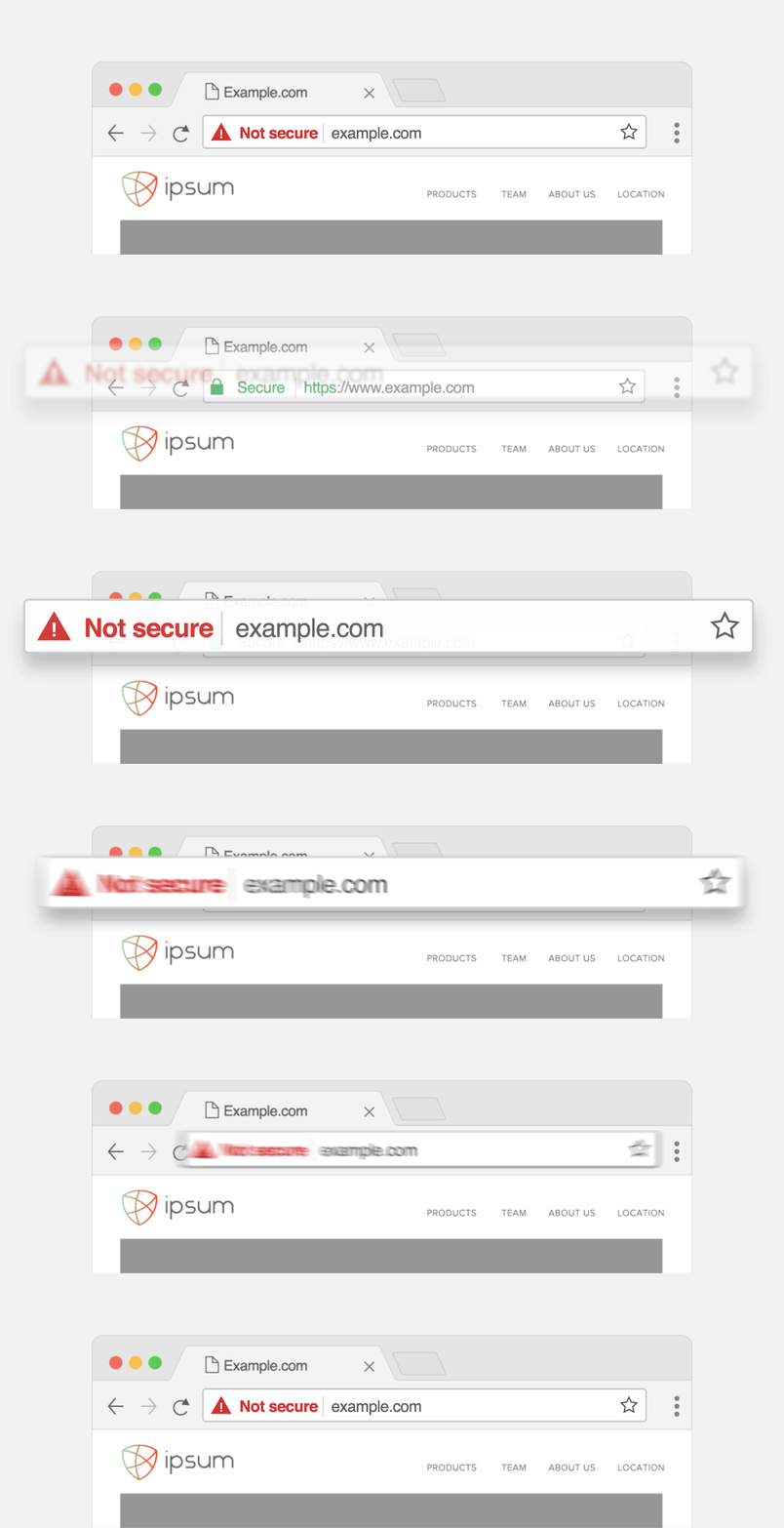
- Without it, Chrome has marked your site as “Not secure” since July 2018.
- There are three types according to validation: DV, OV and EV. All of them encrypt equally.
- Google has used HTTPS as a ranking signal since 2014.
What does an SSL certificate do?
 In essence, it establishes a secure connection between the user’s browser and your website: an encrypted channel between your page and your customer.
You see it in action on the most popular sites, such as Google or Facebook. In the browser there are two signs of that secure connection:
- HTTPS: the address of a site without a certificate begins with HTTP. Sites with an SSL certificate add an “S” and become HTTPS.
- The icon next to the address: for years it was a closed padlock. Since version 117 (September 2023), Chrome has replaced it with a settings icon, because HTTPS is now the norm. Clicking it shows the details of the certificate.
What does stand out today is the absence of the certificate: since July 2018, Chrome shows the “Not secure” warning on every site that loads over HTTP.
What is an SSL certificate?
The SSL certificate gives security to the visitors of any web page that has it installed. It verifies that the site is authentic and lets personal data travel protected, something that in Colombia goes hand in hand with Law 1581 of 2012 on personal data protection, which obliges you to look after your customers’ information.
SSL stands for Secure Sockets Layer, a security protocol that lets data travel intact and encrypted between the server and the user. Its current version is called TLS (Transport Layer Security): browsers no longer accept the old SSL versions, but the name “SSL certificate” stuck.
When data travels encrypted, it goes through mathematical algorithms and key systems that only the server and the user’s browser can decipher. If a third party intercepts it, they cannot read its content, and personal and payment data stay safe.
How it works
SSL certificates encrypt the connection between your users and the web server. This is a simplified explanation of the process:
- A user visits your site by clicking a link or typing your address in the browser.
- Your web server responds by sending its SSL certificate and a public key.
- The browser checks the certificate and uses the public key to agree with the server on an encryption key for that session.
- The server handles the request (processing a payment, loading a page, signing in) and sends the information encrypted with that key.
- The user’s browser deciphers the information and shows it on screen.
- The whole process lasts a fraction of a second and ensures that the connection is secure.
Why is it important?
An SSL certificate protects the data that travels between the server and your user’s device, so that nobody can read or alter it on the way. It may be data entered in a form, sign-in details or payment details.
For example, when you type a search on Google, nobody on the network can spy on the phrase you are looking for. When you sign in to Facebook, your password cannot be read while it travels to their servers. And when you pay online, your card number travels encrypted.
Keep in mind: the certificate protects data while it travels, but it does not by itself guarantee that the owner of the site can be trusted. A fraudulent site can also have HTTPS. That is why browsers stopped presenting the padlock as a synonym of “trustworthy site”.
Types of SSL certificates
There are three types of certificates according to the level of validation. All three encrypt the connection with the same strength; what changes is how much the applicant is verified.
| Type | What is verified | Who it is for |
|---|---|---|
| Domain validated (DV) | Only that whoever requests the certificate manages the domain. It is issued in minutes. | Corporate sites, blogs and most online stores. |
| Organization validated (OV) | In addition, that the company exists and is legally registered. The company name appears in the certificate details. | Companies and institutions that want to back their identity. |
| Extended validation (EV) | The most demanding review of the company’s documentation. | Banks and financial institutions. |
In the past, OV and EV certificates showed the company name in green next to the address. Chrome removed that badge from the bar in version 77 (2019): today the name is seen by clicking the icon next to the address.
Advantages of installing an SSL certificate
If you still doubt its importance for your site or your online store, it is not just a technical matter: it brings commercial benefits.
- More trust: your customers see that they can leave their data because it travels encrypted, and they do not run into the “Not secure” warning.
- More sales: if more customers trust you at the moment of giving their data, fewer people abandon the form or the cart.
- You prove your authenticity: the certificate confirms that the visitor is connected to your real domain and not to a copy trying to impersonate it.
- Intact data: nobody can modify what your site sends to the visitor. Note: the certificate does not scan or clean harmful programs on your site; that takes the security tools of the server.
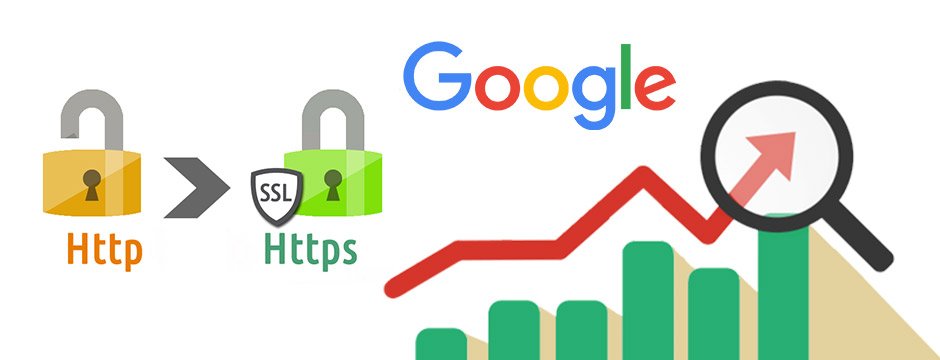
- Better rankings: Google announced in 2014 that it uses HTTPS as a ranking signal. It is a light signal compared with content, but it adds up, and it avoids the warning that scares visitors away.
How to move your site to HTTPS
- Check whether you already have it. Open your site and see if the address begins with https and the “Not secure” warning does not appear.
- Install the certificate. Many hosting plans already include it. At Damos, all web hosting plans come with a DV SSL certificate.
- Redirect HTTP to HTTPS. With a 301 redirect, whoever enters through the old address reaches the secure version.
- Fix mixed content. Images and files that still load over http make the browser show warnings.
- Watch the renewal. Certificates expire. If they are not renewed in time, the browser blocks entry with an error notice.
If you are going to set up an online store, the certificate is mandatory for payment gateways. In our eCommerce stores we leave it configured on day one. And to understand the rest of the service, read what web hosting is and what it is for.
Frequently asked questions
Are SSL and TLS the same thing?
TLS is the current version of the SSL protocol. The old SSL versions are no longer used, but the name “SSL certificate” remains out of habit.
Is a free SSL certificate safe?
Yes. A free DV certificate encrypts the connection just like a paid one. The difference lies in the level of validation of the company and in the provider’s support.
What happens if my certificate expires?
The browser shows an error notice before letting the visitor in, and most turn back. That is why automatic renewal is advisable.
Does the SSL certificate improve my position on Google?
Google has used HTTPS as a ranking signal since 2014. It is a light signal, but it also avoids the “Not secure” warning, which makes visitors leave the site.
Which certificate does an online store need?
For most stores a DV certificate is enough. If you want to back the legal identity of your company, you can opt for an OV one.
Does your site still show as “Not secure”?
We review it and move it to HTTPS, with the certificate and the redirects properly configured.
Let’s talk about your siteKeep reading
Sources: Google, HTTPS as a ranking signal (2014) · Google, Chrome marks HTTP as “not secure” (2018) · The Register, Chrome replaces the padlock (2023).